How to get started with Startup Program or a Creator Partner Program credits
Last updated: September 6, 2025
If you are invited to Startup Program or Creator Partner Program by sync. you must have received the invitation email in your inbox already.
Once you login using the same email you were invited, please follow below steps
On the top left corner you should find either “startup program” or "creator program" organisation in the drop down if you are invited for one of them. Attached screenshot for your reference
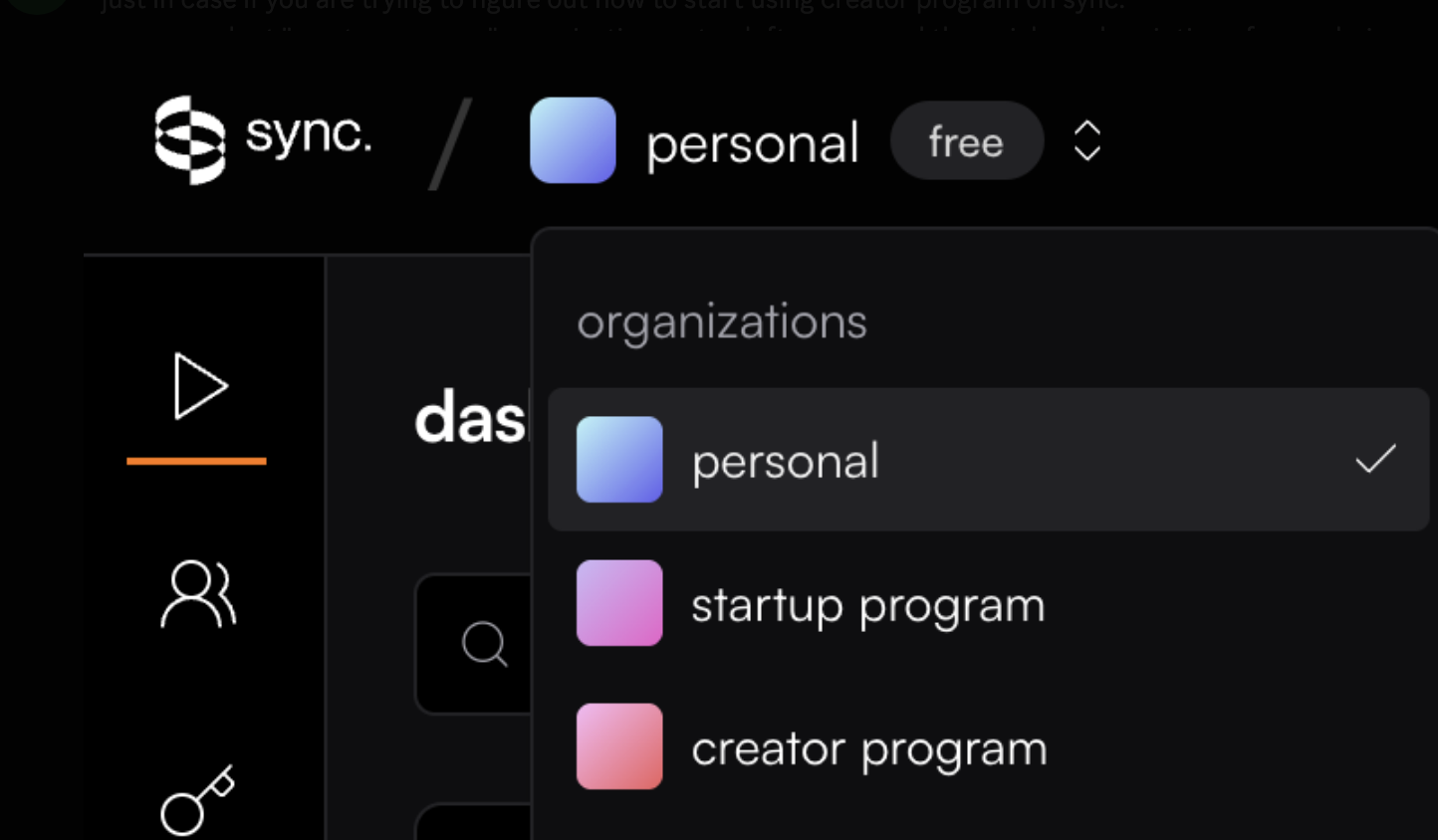
Please select “startup program” organisation there if you are accepted into Startup Program or "creator program" if you are invited into Creator Partner Program
Once you do that please go to billing: https://sync.so/billing/subscription
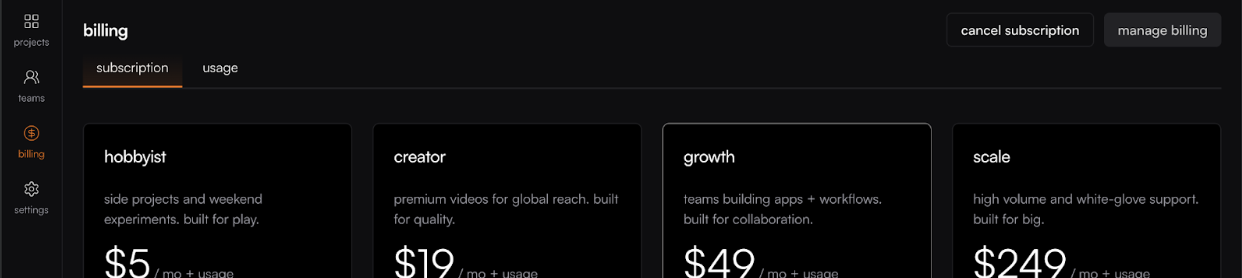
Pick “Scale” plan subscription from there and proceed further
It will take you to Stripe hosted page.
Please enter your card details but note that your card will not be charged because we added $1000 in credits to your account
Once this is done your account with Scale plan subscription is ready to use with $751 in credits remaining for usage. You can also pick lower tier subscriptions to have more credits for your usage