Why is my video being cut off when the audio is longer or vice/versa? How to use Sync Mode in Studio.
Last updated: March 11, 2026
Context
When you have a video that's shorter than your audio (for example, a 21-second video with 23-second audio), or the other way around, you may notice that the video cuts off before the audio finishes playing. This happens because the system now crops to the shorter duration by default, which can result in audio being cut off when the sound isn't fully pronounced.
Answer
This behavior is due to how the system handles different video and audio lengths. By default, the output is cropped to match the shorter duration, so if your video is 21 seconds and your audio is 23 seconds, the video will cut off the remaining 2 seconds of audio.
To keep the full audio length, you can use one of these sync mode options:
sync_mode="loop" - This will loop the video content to match the audio duration
sync_mode="bounce" - This will bounce the video content back and forth to extend it
sync_mode="remap" - This will time-stretch the video to match the audio length
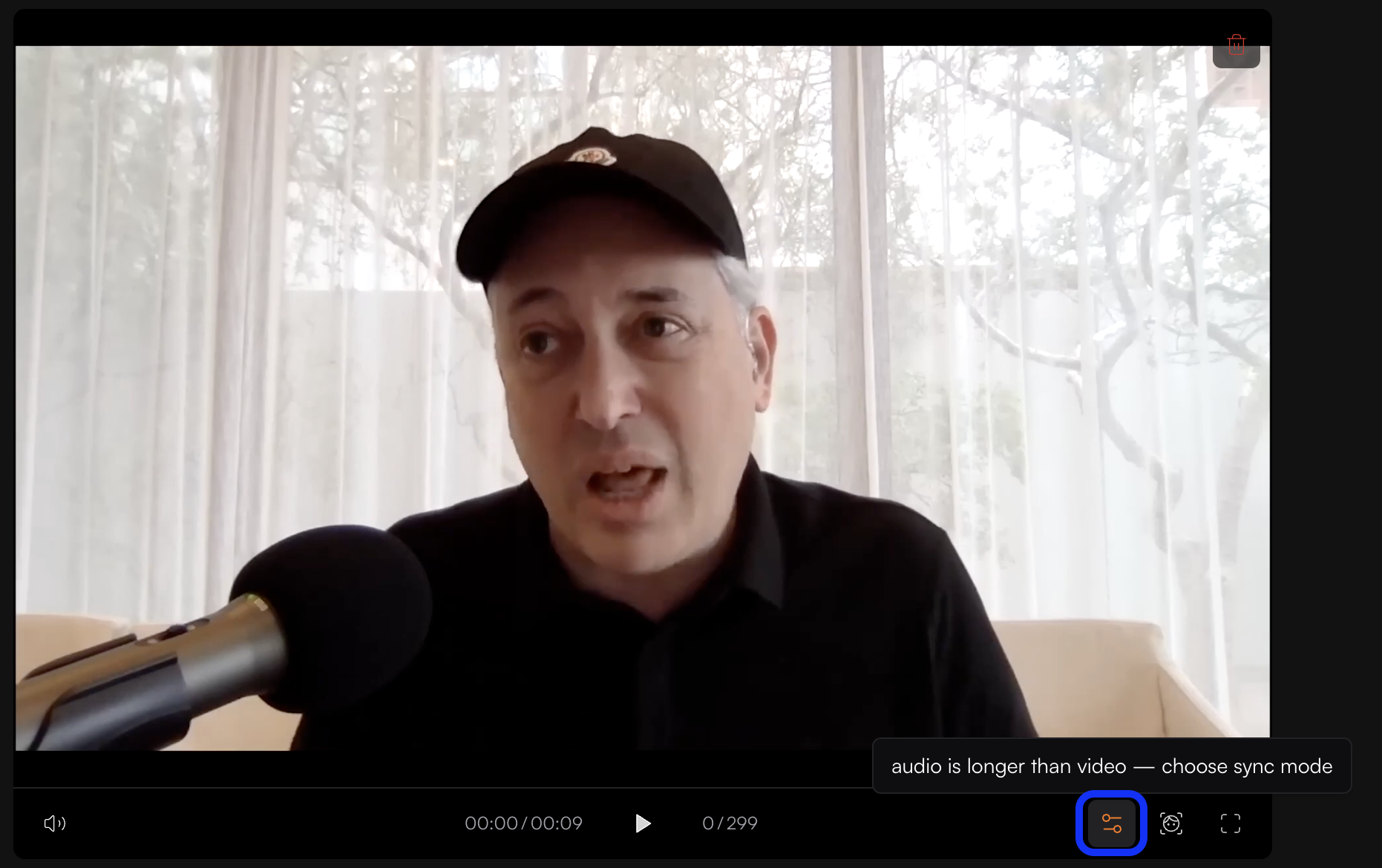
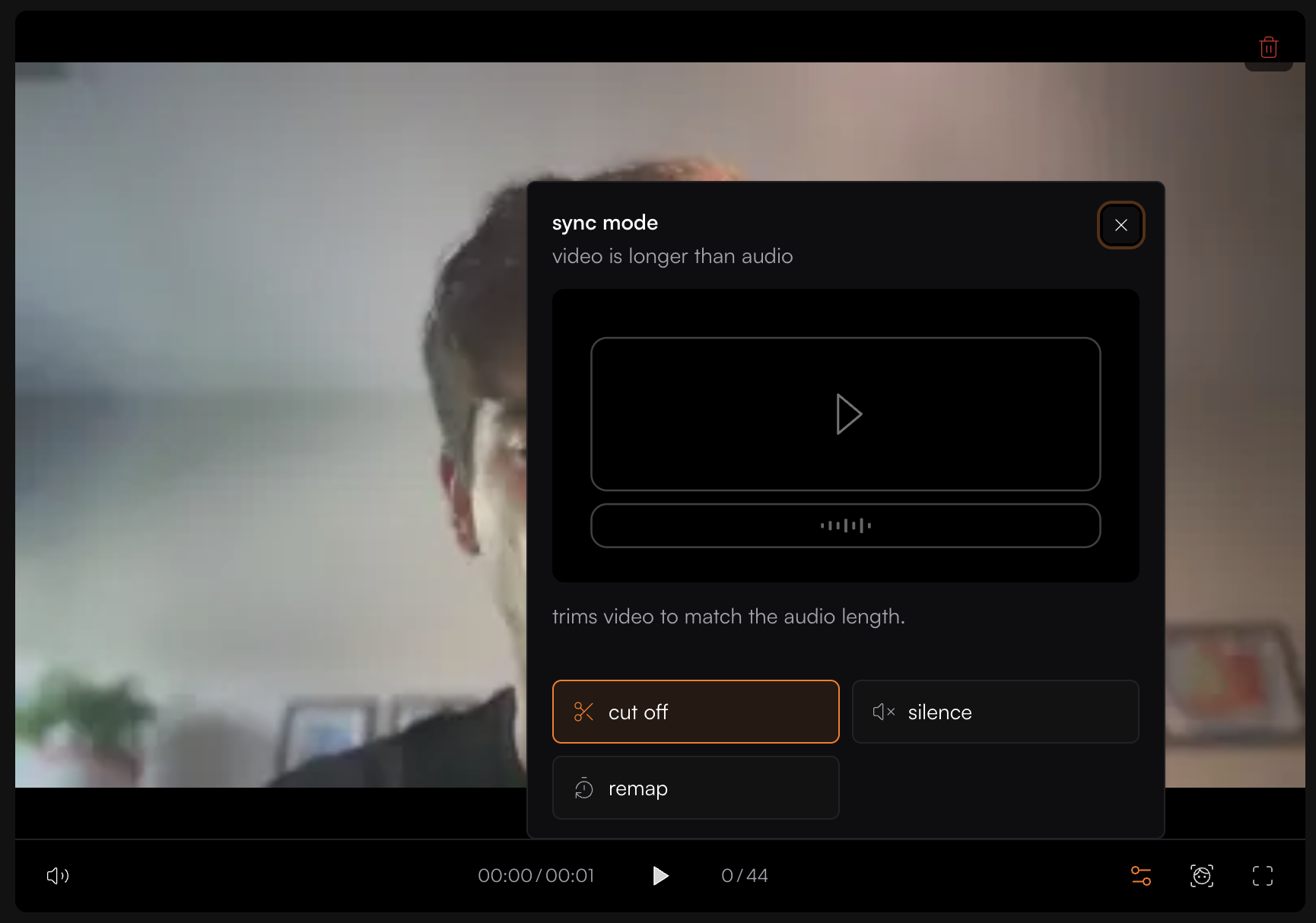
Choose the sync mode that best fits your content needs to ensure your audio plays in full without being cut off.