Can I swap a single word or small portion of my video?
Last updated: February 2, 2026
Context
You may need to replace just one word or a small portion of an existing video without having to recreate the entire content. This could be for correcting a mistake, updating information, making minor adjustments to your video content, or for marketing purposes.
Answer
Yes, word-level swaps and fine grain control of what gets lipsynced is supported in Sync AI. You can achieve this by following these steps:
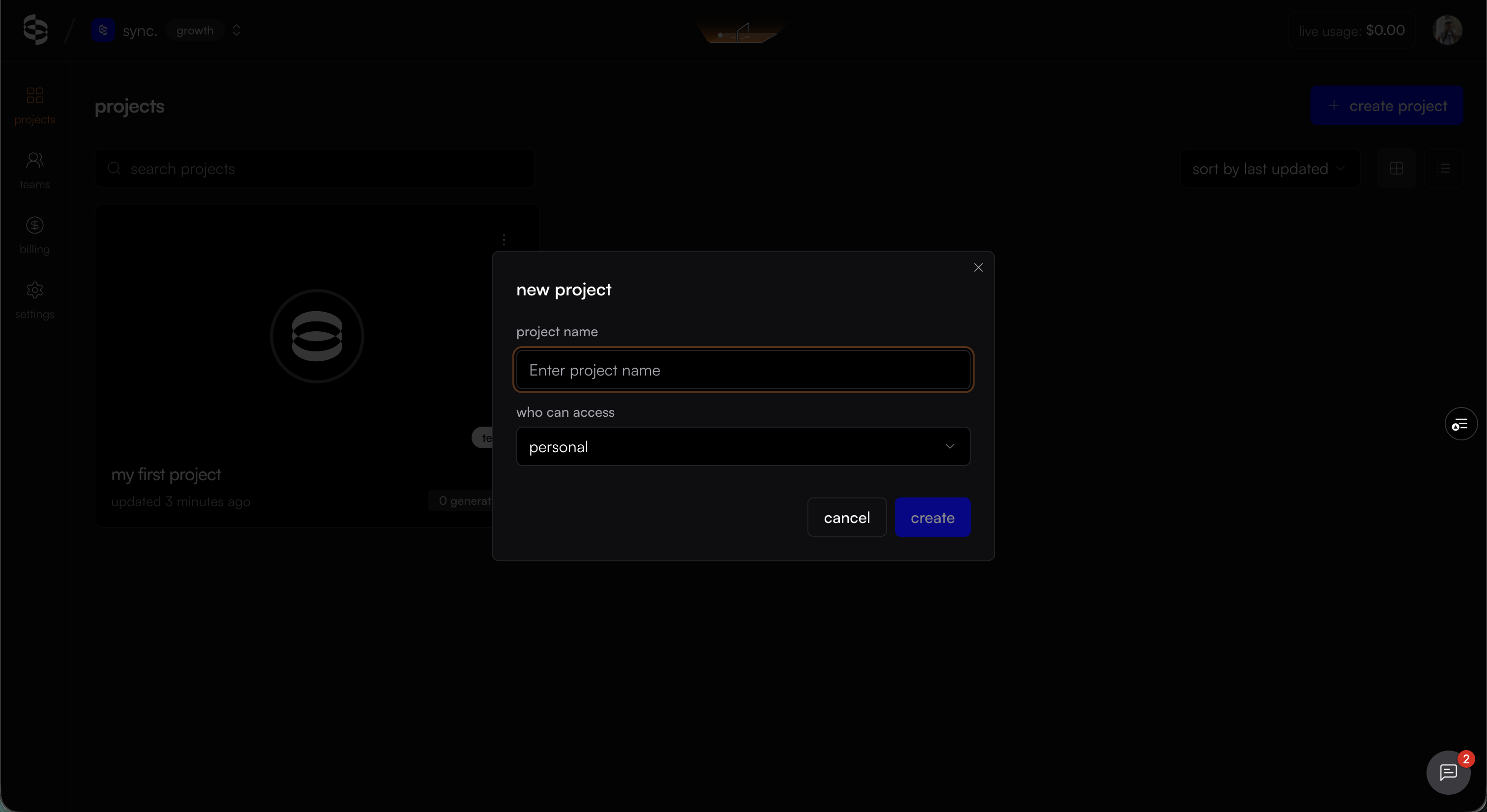
Create a new project or open an existing project:
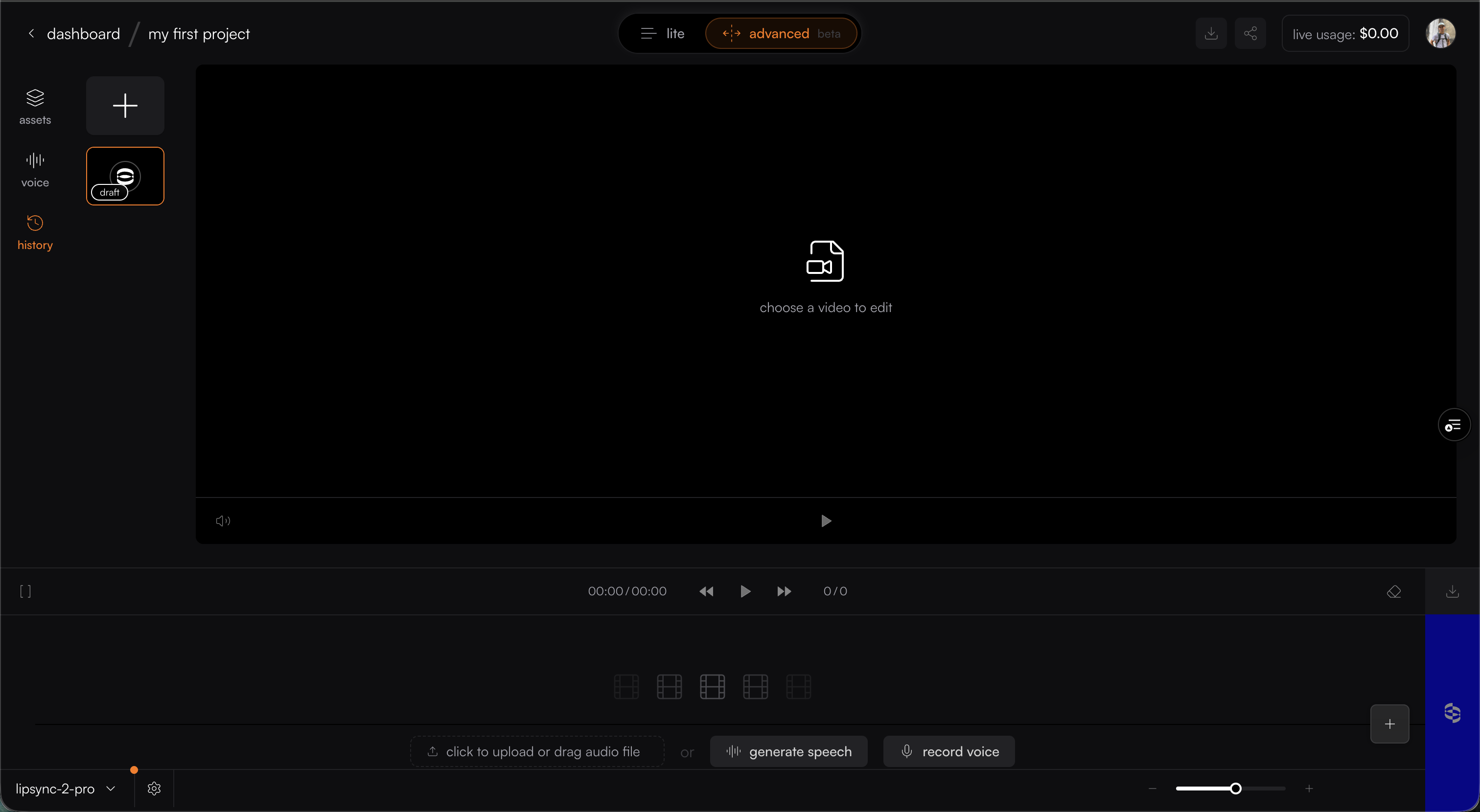
Navigate to advanced mode:
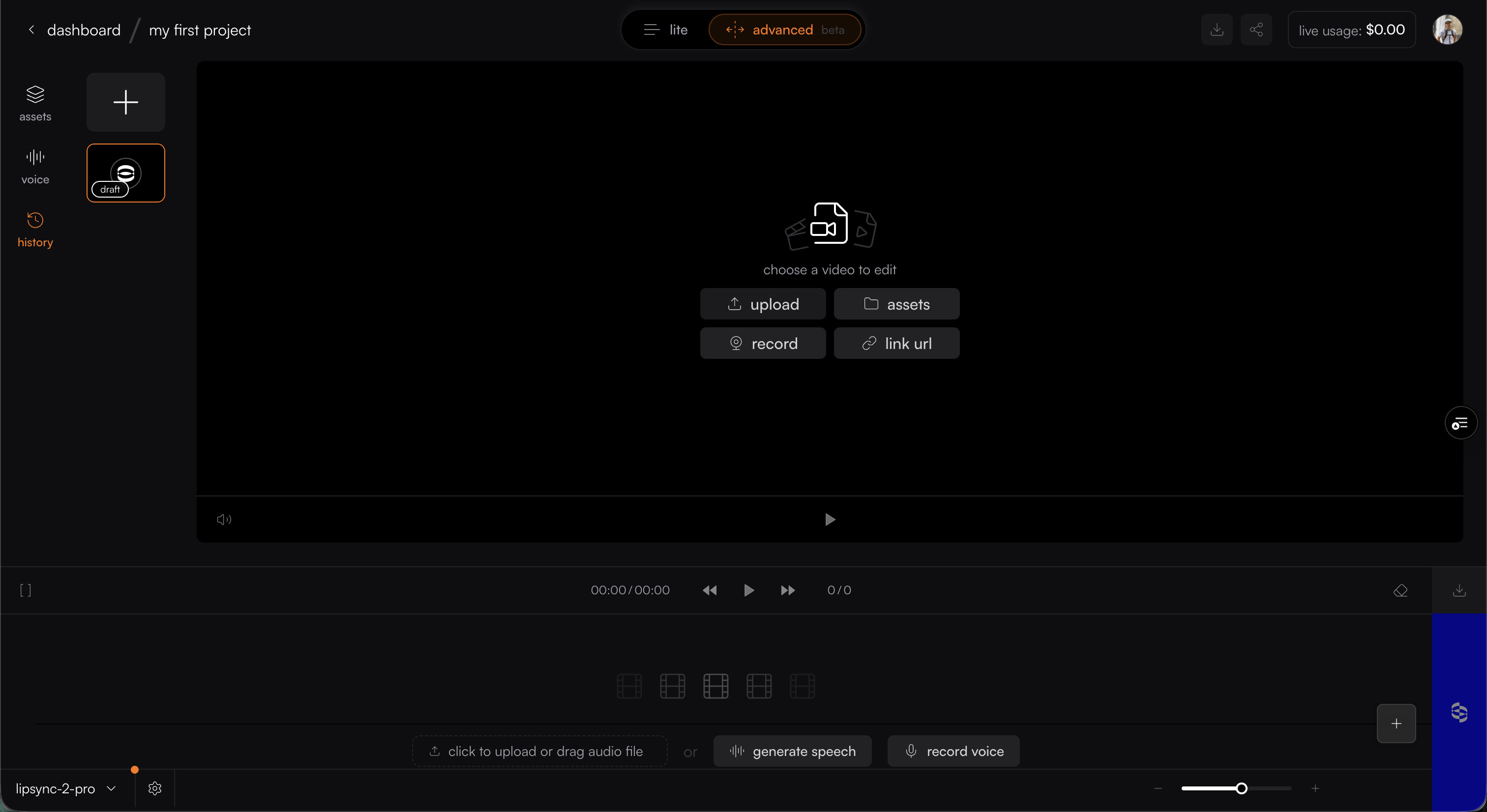
Upload video
Create/Upload audio
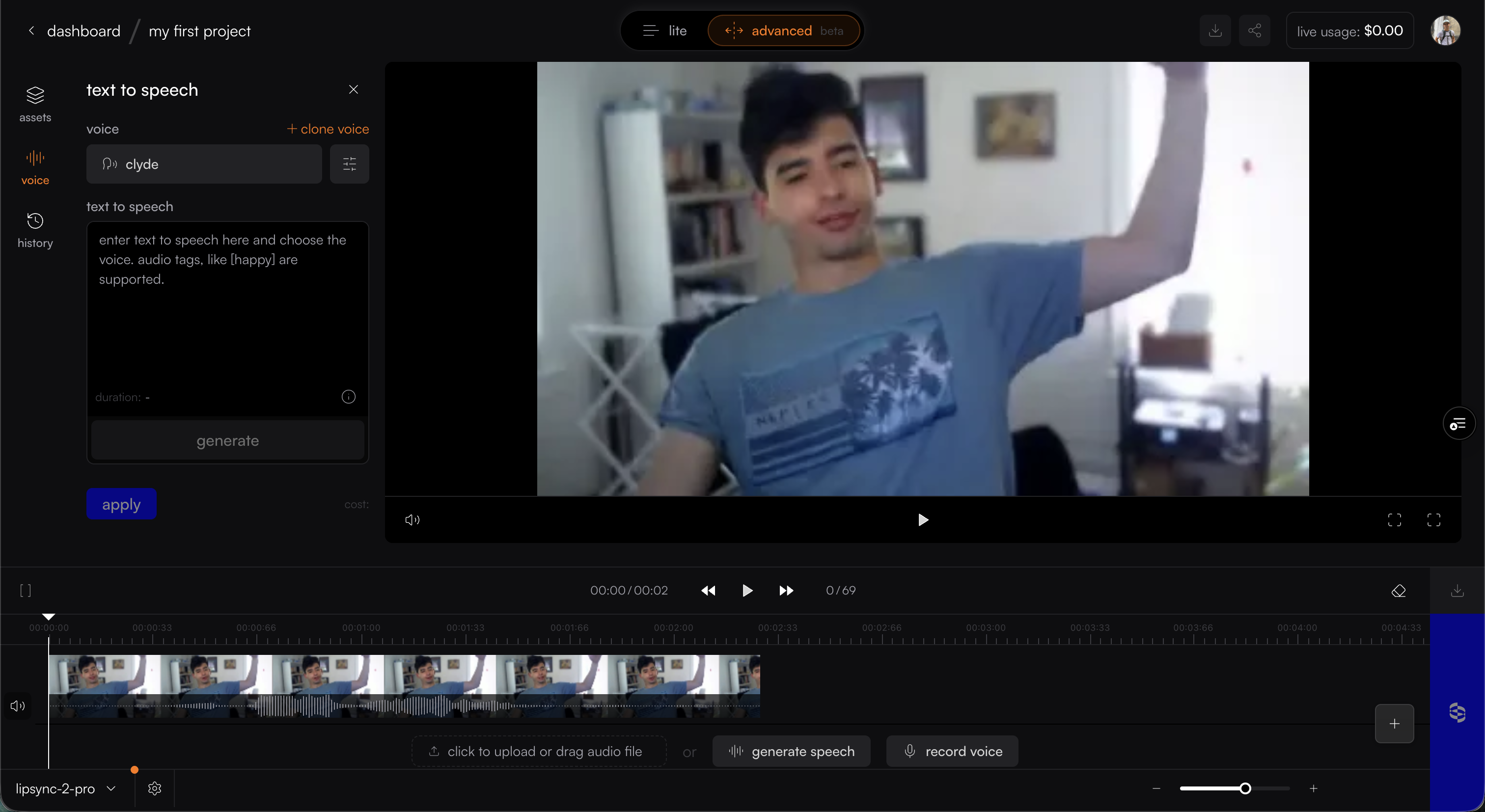
Generate the replacement audio for that specific word or phrase using either Text-to-Speech (TTS) with a voice clone or by bringing in an already prepared audio file.
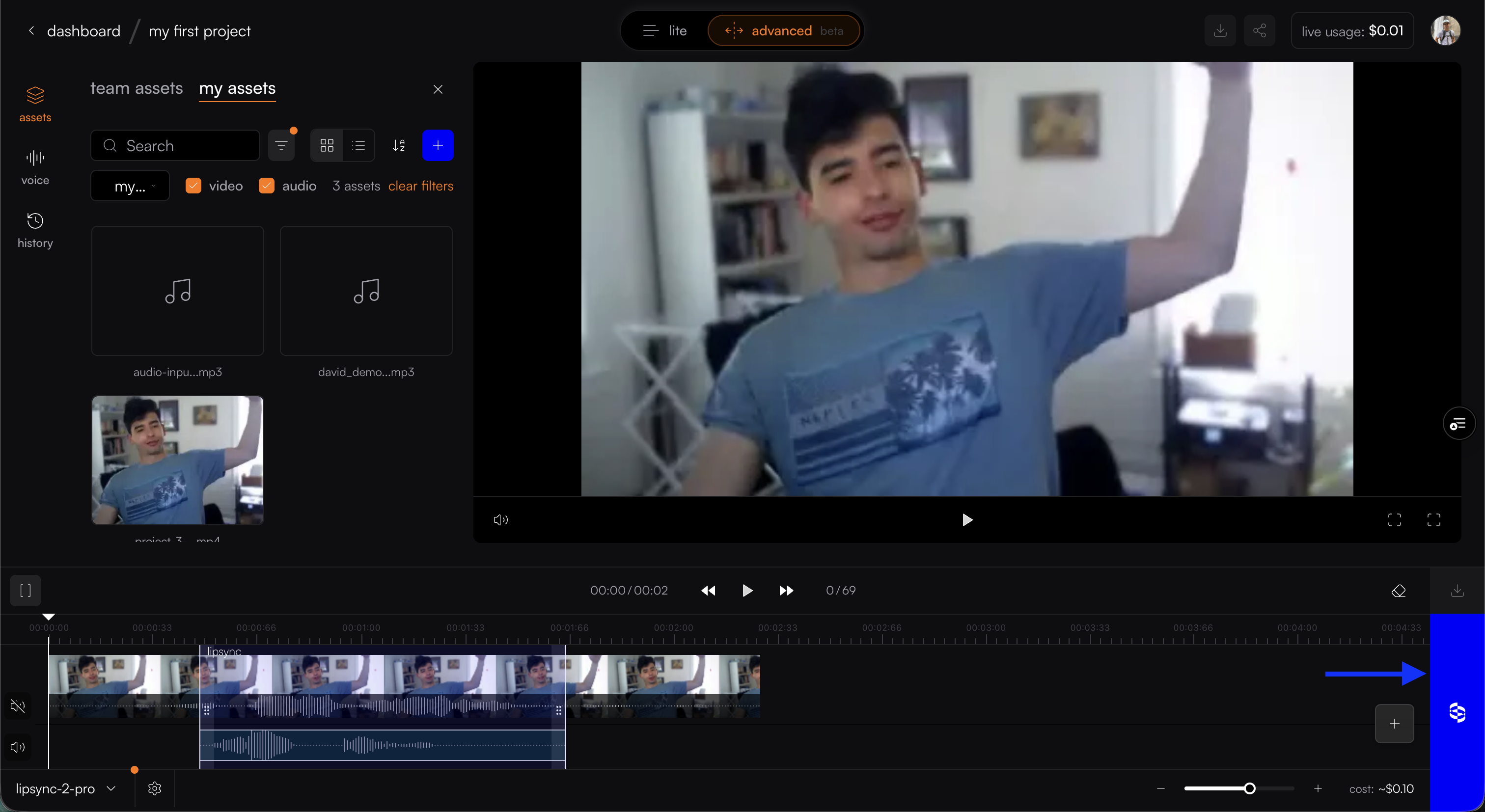
Select in/out marker button on bottom left (above the timeline)
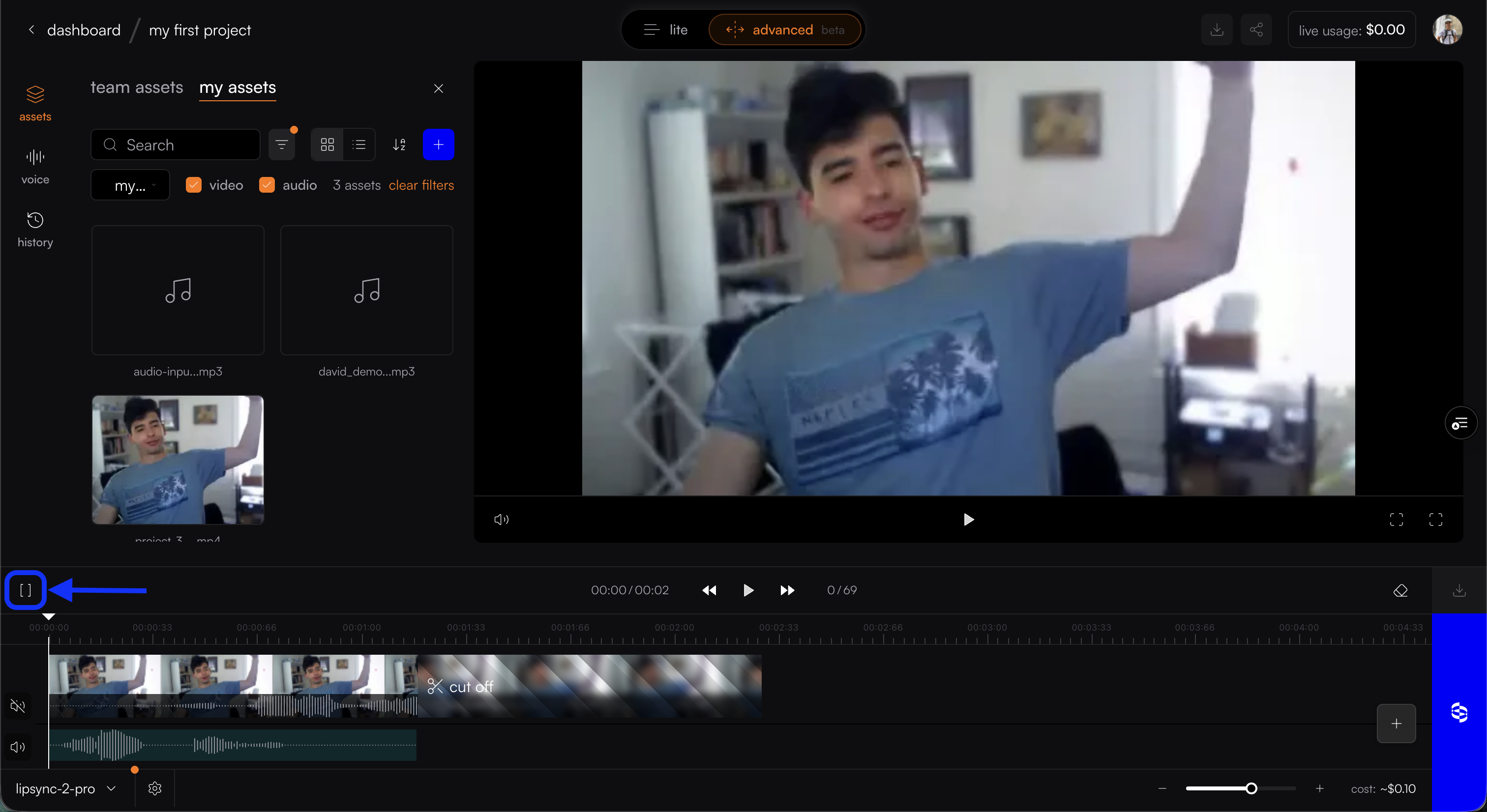
Drag audio and/or move the trim handles to cover just the portion you want lipsynced

Click the sync button to begin generation