How do I log out of my account?
Last updated: January 29, 2026
Context
Users may need to log out of their current session for security reasons, when switching accounts, or when finishing their work session on a shared device.
Answer
To log out of your current session, follow these steps:
Click on your profile avatar in the top-right corner of the dashboard
Select "sign out" from the dropdown menu
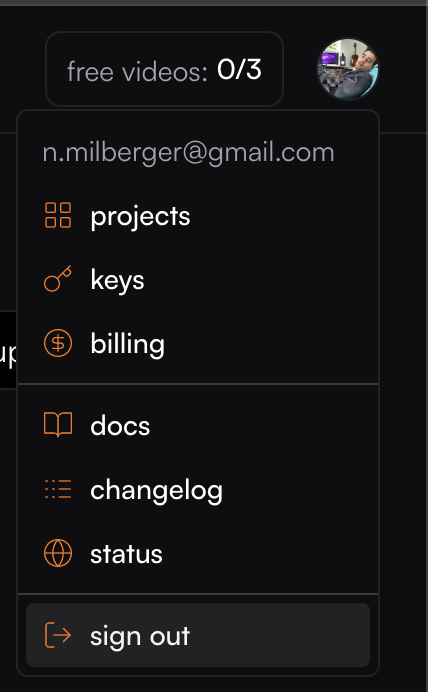
This will immediately end your current session and redirect you to the login page.