How do I select which person to lipsync when there are multiple people in my video?
Last updated: March 10, 2026
Context
When your video contains multiple people, the AI system needs to know which person you want to lipsync. By default, the system will sync the leftmost person on screen, which may not be the person you intended. This can result in the wrong person being animated, making your video unusable.
Answer
To ensure the correct person is lipsynced in videos with multiple speakers, you need to use the speaker selection feature. Here's how:
Upload your video - Upload a video that contains multiple people. Sync will automatically detect the number of speakers in the background.
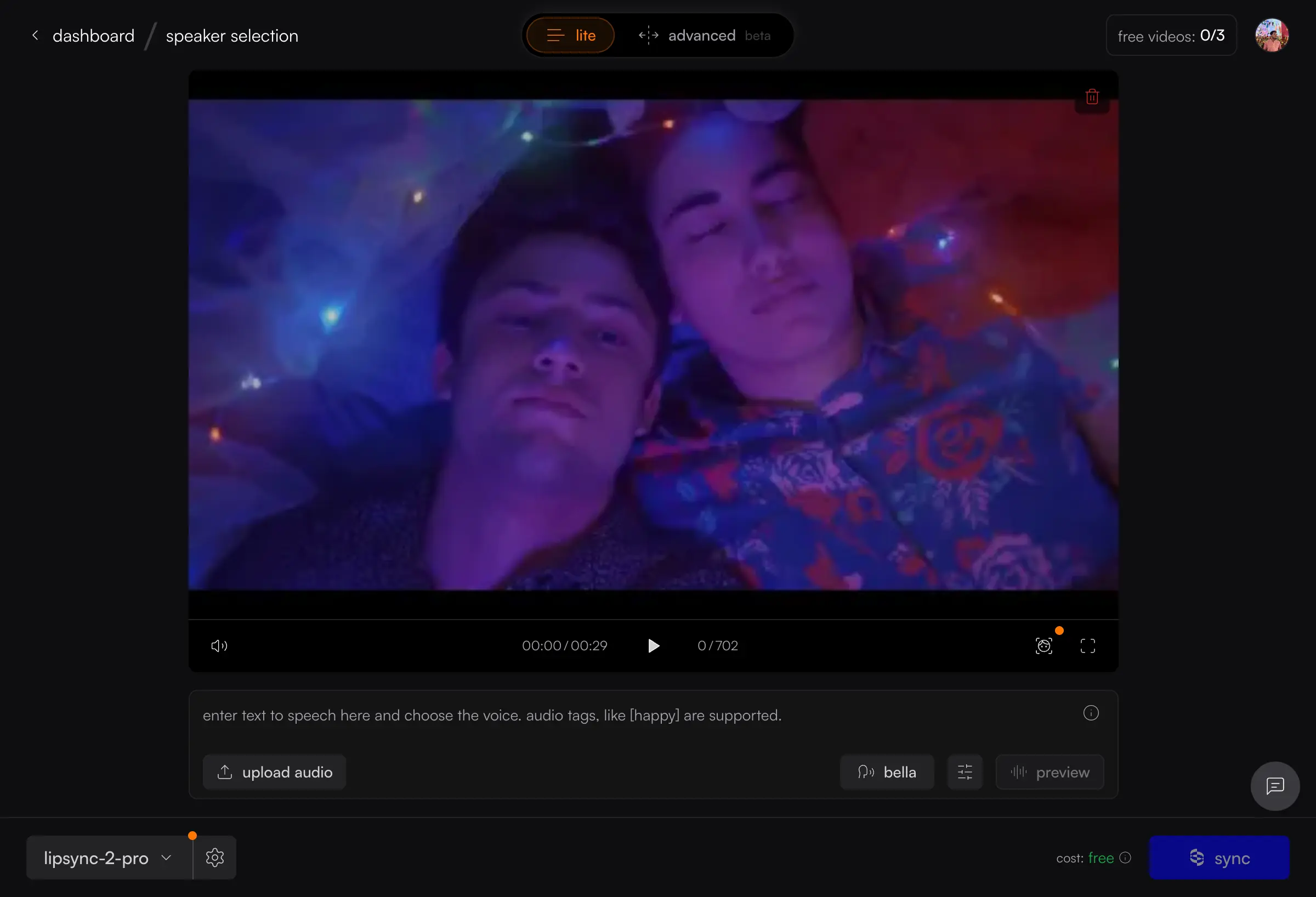
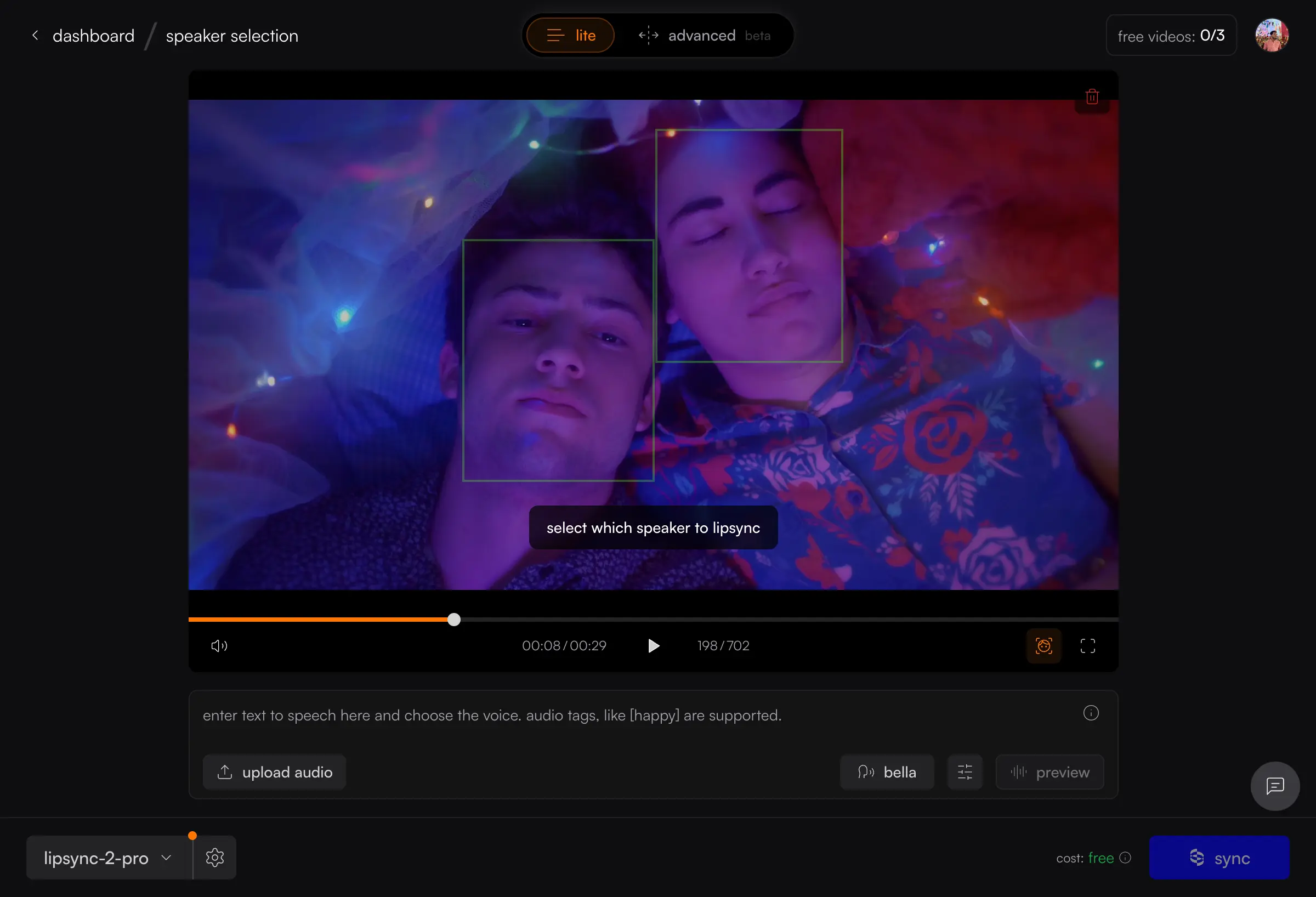
Enable face detection - Click the face detection icon in the video player controls. Green bounding boxes will appear around detected faces with a hint: "select which speaker to lipsync."
Click on the speaker's face - Click on the bounding box of the person you want to lipsync. The selected face will get a bright green border and a face thumbnail will appear in the controls.
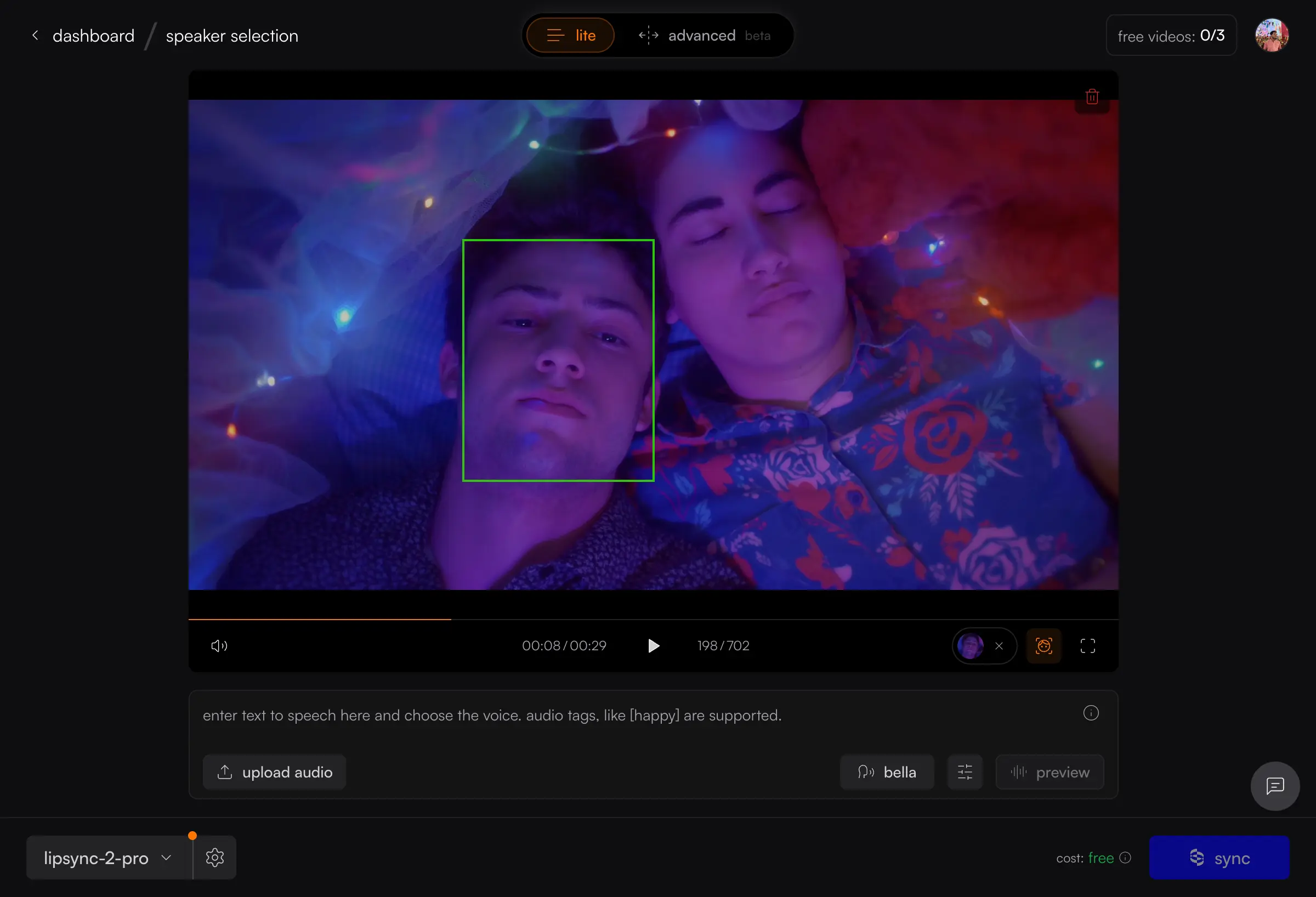
Generate - Click the Sync button. The speaker configuration will be sent automatically with your generation request.
For more detailed information, you can refer to the speaker selection documentation.