Why am I seeing "Unable to process payments. Please verify your details" after making a payment?
Last updated: January 23, 2026
Context
You may encounter the error message "Unable to process payments. Please verify your details" or "Update payment method" even after successfully making a payment to your account. This can prevent you from generating videos or accessing platform features despite having made recent payments.
Answer
This error typically occurs when there is an unpaid usage invoice on your account, separate from your subscription payment. Here's how to resolve it:
Click "Manage billing" in the top right corner
This will take you to a Stripe-hosted page where you can view all your invoices
Scroll down on the right-hand side of the page to find any failed or unpaid invoices
Pay any outstanding usage invoices to restore access to your account
Understanding Usage vs. Subscription Payments:
Your subscription payment covers your monthly plan
Usage invoices are separate charges for the actual video generation frames you've used
Both must be paid to maintain full access to the platform
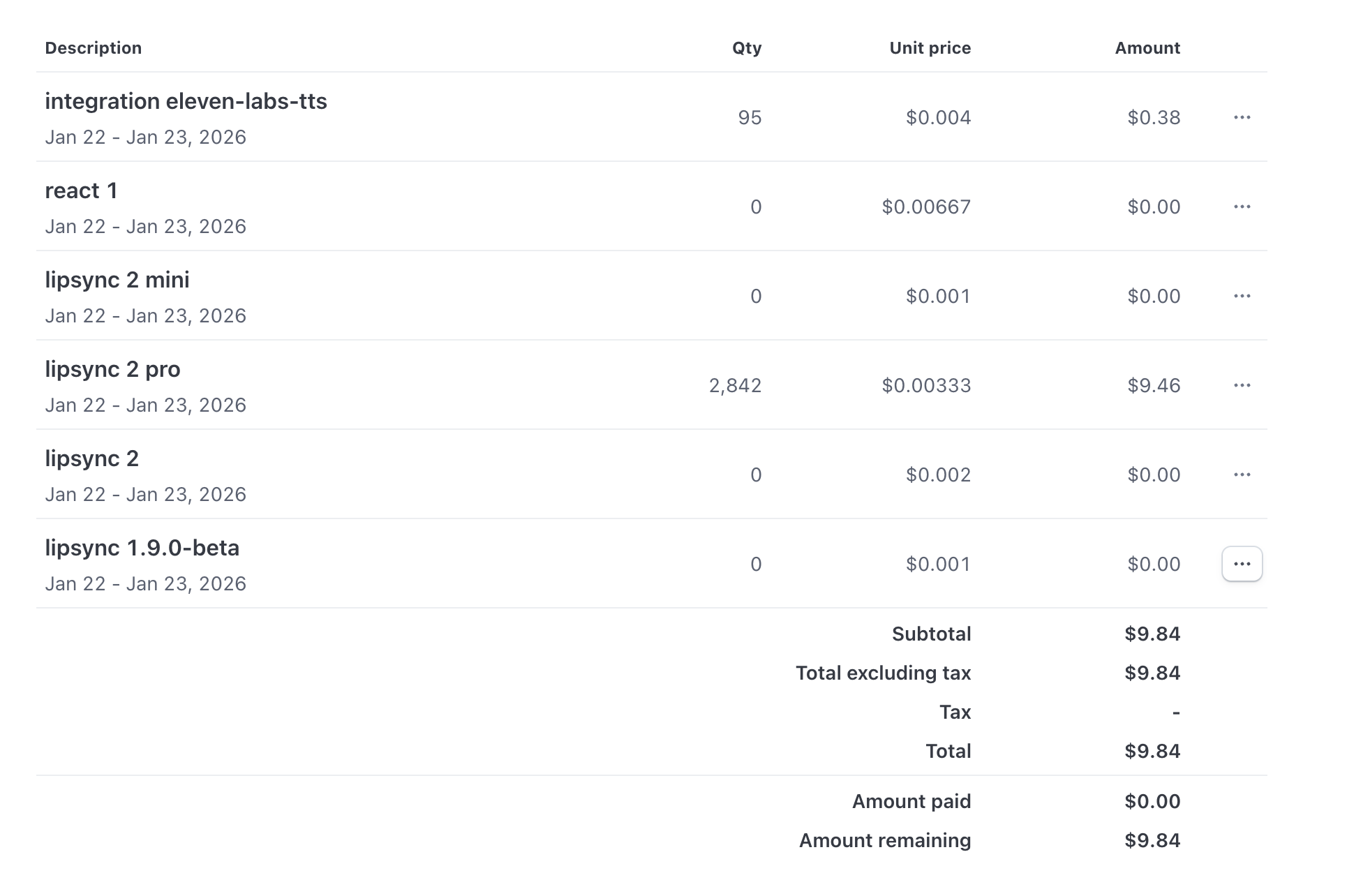
Once you clear any unpaid invoices, your account access should be restored automatically. If you continue to experience issues after resolving all outstanding payments, try clearing your browser cache and refreshing the page.